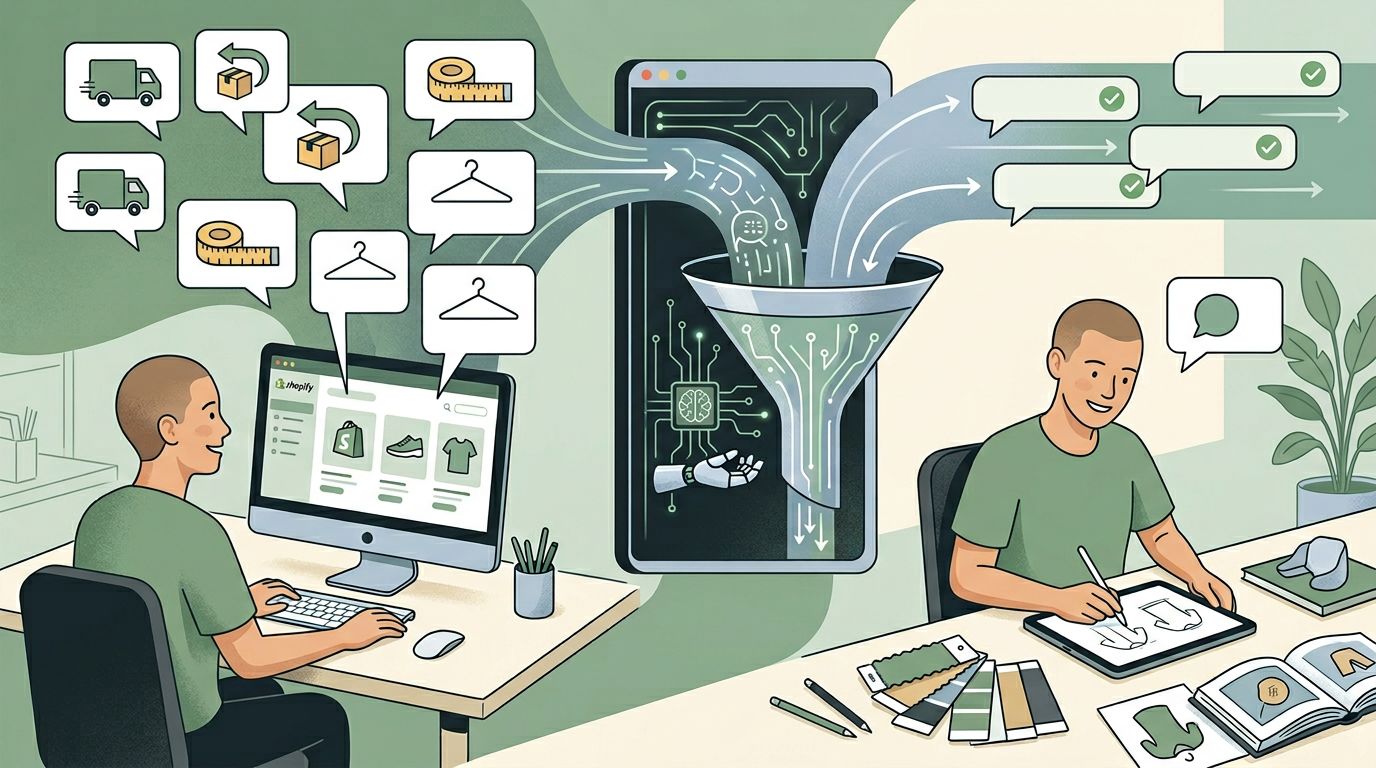
Quick take: The goal is not to eliminate FAQs. It is to stop paying humans to answer the same low-leverage questions over and over. Good automation handles repetitive questions quickly, escalates edge cases safely, and frees your team to solve the conversations that actually need judgment.
Many Shopify stores talk about support costs as if the only solution is to hire more people. Sometimes that is true. Often it is not. The first place to look is repetitive demand.
When the same questions show up daily, you do not have a headcount problem first. You have a systems problem.
Which questions should be automated first
Not all FAQs deserve the same treatment. Start with questions that are:
- repeated frequently
- low risk to answer
- already documented somewhere on the site or in support macros
- blocking the buying journey or consuming support time without requiring judgment
For most merchants, that includes shipping windows, return basics, product compatibility, sizing guidance, ingredient questions, and restock questions.
Support automation and sales automation are not the same
This is where many stores get tripped up. Some questions look operational but are actually purchase-critical.
| Question | Looks like | Actually is |
|---|---|---|
| "Will this fit my routine?" | Support | Sales — it decides the purchase |
| "Do you ship to Germany?" | Support | Often sales — it can decide the sale |
| "What's the difference between these two bundles?" | Support | Pure buying question |
| "Where is my order?" | Support | Pure support — automate confidently |
| "What's your return policy?" | Support | Often pre-purchase — answer it on the PDP, not just the help center |
That means your FAQ automation should not live in a silo. It should connect to product discovery and pre-purchase guidance wherever possible.
How to build FAQ automation that does not feel robotic
Use real answers, not empty summaries
If the answer on your site is vague, your automation will be vague. Tighten the source material first.
Group answers by intent
Customers asking about returns, ingredients, and compatibility do not need the same answer structure. Build answers around what the shopper is actually trying to decide.
Add handoff rules
Policy basics can be automated. Refund disputes, damaged items, and special circumstances should route to a person quickly.
Review transcripts every week
Transcript review is where you find broken answers, missing details, and the questions your storefront still does not answer well.
A simple automation workflow for Shopify teams
- Pull your top 25 repetitive questions from inboxes, chats, and support tools.
- Rewrite the answers in plain language.
- Separate product guidance from pure policy responses.
- Deploy answers where they reduce friction: on product pages, across the store, and in chat.
- Track conversation outcomes and escalation rate.
This usually creates faster progress than trying to automate everything at once.
What success looks like
| Signal | What it tells you |
|---|---|
| Tickets per 1,000 sessions drop | Repetitive questions are getting answered before they hit the inbox |
| Average resolution time falls — but escalation rate stays steady | You are deflecting volume, not pushing edge cases onto the customer |
| Pre-purchase question volume rises while support load drops | The same automation is now closing sales, not just deflecting tickets |
| Repeat customers contact support less | The store is becoming easier to use over time |
Successful FAQ automation does not mean customers stop asking questions. It means the easy questions get handled faster, the buying questions get better answers, and your humans spend more time on edge cases that truly require them.
Frequently asked questions
Will automation make support feel cold?
It can if the answers are generic or if the system refuses to escalate. But when done well, it makes the experience feel faster and more helpful.
Should I automate only support questions?
No. The biggest upside often comes from questions that sit between support and sales, especially on product pages.
What is the biggest mistake stores make?
Automating weak source content. If the original answer is confusing, automating it only spreads the confusion faster.
Where should automated answers actually appear?
Where the question is asked. Pre-purchase questions belong on the product page. Order-status questions belong in account pages and chat. Putting every answer behind a "help center" link assumes the shopper is willing to leave the buying flow — many will not.
For a broader support strategy, read our guide to why Shopify stores use AI for customer service. For the merchant-vs-shopper distinction, see Sidekick vs AI shopping assistants. If your main challenge is helping shoppers choose, pair this with our chatbot implementation guide.
See how Dori handles FAQs and product questions if you want one assistant that supports both support automation and buying guidance.