Quick take: An effective ecommerce chatbot is not defined by how clever it sounds. It is defined by whether it helps shoppers discover products, resolve objections, and move toward purchase without creating more confusion for your team.
Most merchants start this project the wrong way. They ask, "Which chatbot should I install?" The better question is, "What buying friction do I want this assistant to remove?"
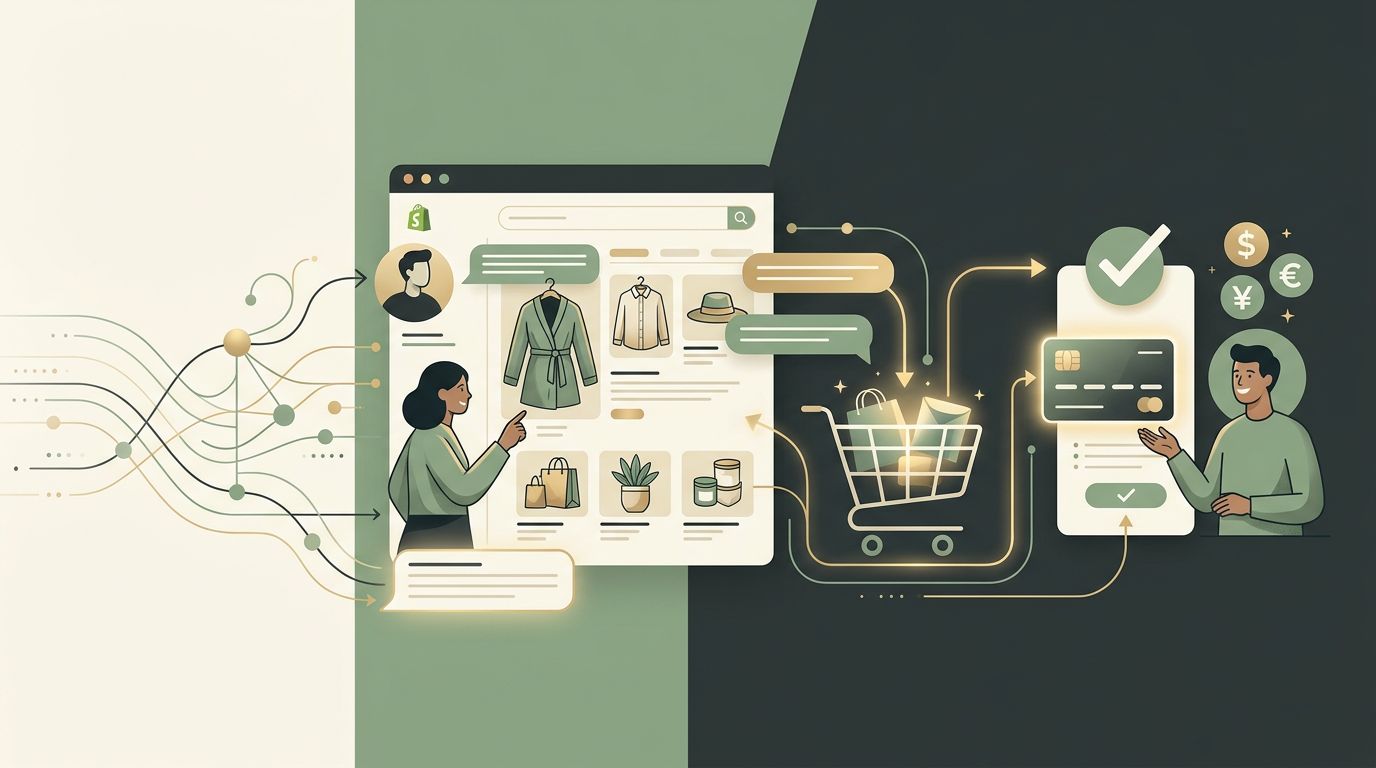
That shift matters because ecommerce chatbots do not all do the same job. Some are built mainly for support deflection. Some are live-chat overlays with a little automation. And some are true shopping assistants that help customers understand products, compare options, and buy with more confidence.
Step 1: Decide what the chatbot is supposed to do
Before you compare apps or think about prompts, define the primary job.
| Type | Primary job | Best fit |
|---|---|---|
| Support-focused | Order status, shipping policy, returns, store hours, repetitive questions | Stores with high support volume but simple catalog decisions |
| Sales-focused | Product discovery, recommendations, compatibility, comparisons, buying guidance | High-consideration categories: skincare, supplements, electronics, fashion |
| Hybrid | Mix of support automation and pre-purchase assistance | Most growing Shopify stores with both pain points |
There is no universal right answer. But there is a wrong answer: expecting one vague chatbot to handle everything without clear priorities.
Step 2: Build around real store data
An AI assistant only becomes effective when it has the right source material. In practice, that usually means:
- Current product titles, descriptions, and collections
- Product details shoppers actually care about: ingredients, sizing, materials, compatibility
- Store policies for shipping, returns, and fulfillment
- Existing FAQ content and support macros
- Category-specific language your customers already use
If your catalog data is vague or inconsistent, your assistant will reflect that. Clean data is one of the biggest hidden advantages in chatbot performance.
Step 3: Put the assistant where friction happens
| Placement | Best for | Question type it answers |
|---|---|---|
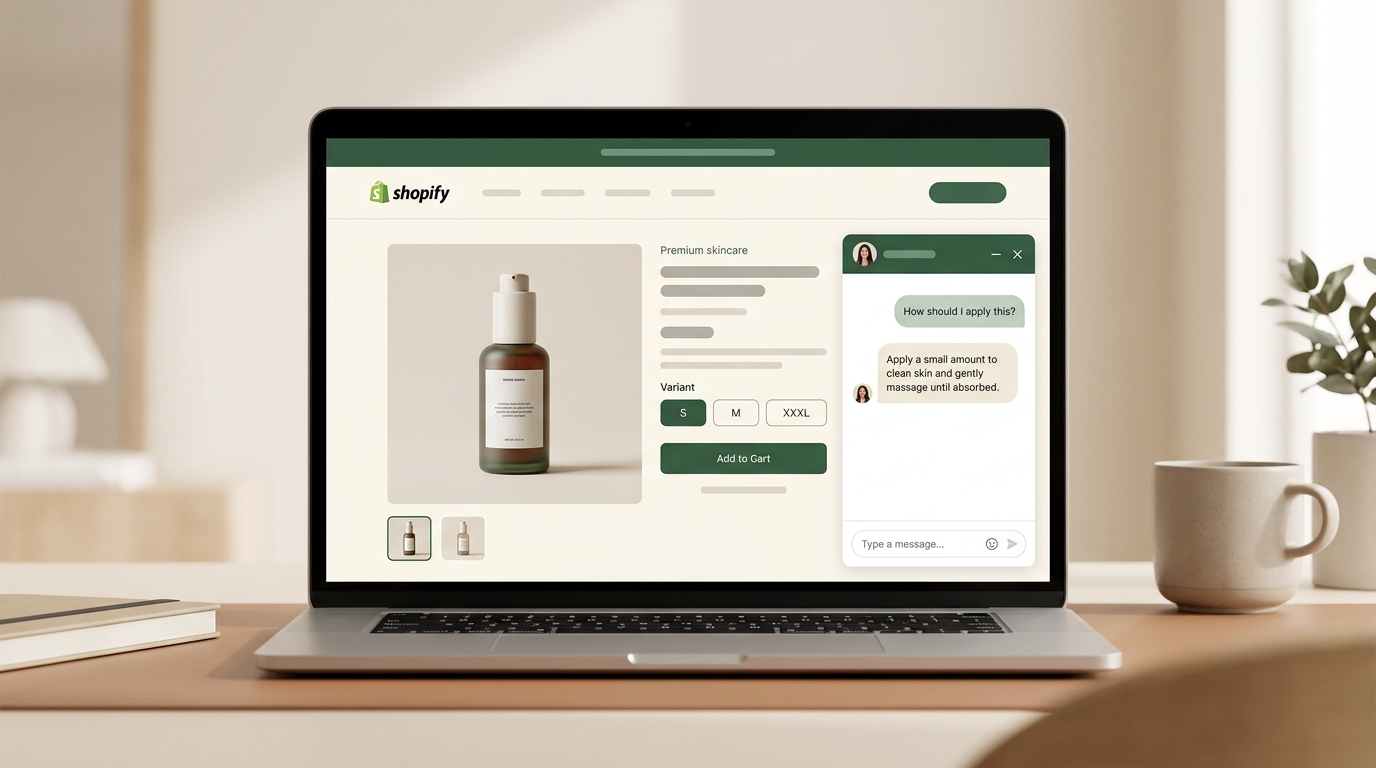
| Product page (PDP) | Stores where shoppers ask "is this right for me?" | Ingredients, fit, compatibility, comparison with the variant they are viewing |
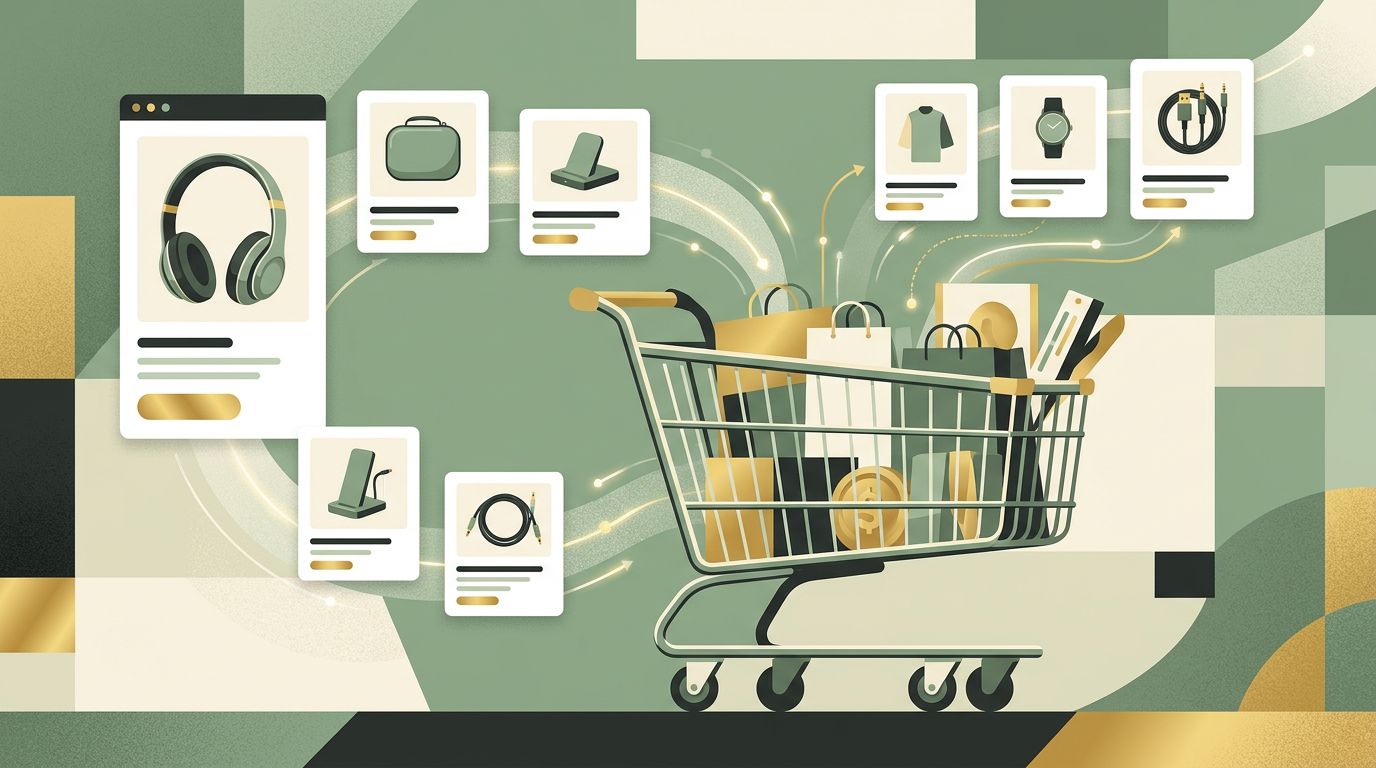
| Storewide / floating widget | Discovery, gift-finding, routine building | "What goes with this?", "Build me a routine for X", "Gift under $50" |
| Help and support pages | Support volume and policy questions | Returns, shipping, order status |
Many stores make the bot available everywhere but useful nowhere. The strongest results usually come from picking the highest-friction page first and getting it right before scaling.
Step 4: Design for the hard questions
The easiest questions do not tell you whether the chatbot is effective. The hard ones do. During setup, test prompts like these:
- "Which one is better for beginners?"
- "I have dry skin and want something lightweight. What should I start with?"
- "What goes with the model I already own?"
- "Do you have something similar but cheaper?"
These reveal whether the assistant can reason over your catalog, not just repeat fragments of your site copy.
Step 5: Set clear handoff rules
AI should not be forced to handle every conversation. Effective chatbots know when to stop, clarify, or escalate.
Good handoff rules usually cover:
- Order-specific issues that require account data
- Refund and complaint scenarios
- Edge-case product safety questions
- Conversations where the assistant is uncertain
Escalation is not a weakness. It is part of trust.
Step 6: Measure impact like an operator
Once the chatbot is live, do not judge it by the number of conversations alone. Measure outcomes that map to store health:
- Conversation-to-product-click rate
- Assisted add-to-cart rate
- Support ticket reduction
- Average order value for assisted sessions
- Customer questions the assistant still fails to answer well
Transcript review matters here. The best optimization ideas often come from the same 10 questions showing up over and over.
Build vs buy: what most merchants should actually do
Technically, you can build a custom chatbot. In most cases, you should not. Custom builds demand ongoing maintenance, data cleanup, QA, and prompt oversight that many merchants underestimate.
For most Shopify teams, buying a specialized assistant is the better move. The main decision is not "custom vs no-code." It is whether the product you choose is actually aligned to your store's buying journey.
Common mistakes to avoid
| Mistake | What it costs |
|---|---|
| Choosing based on demo polish alone | You install something that looks good but cannot answer real product questions |
| Uploading weak source content | Poor source material creates poor answers — at scale |
| Using one welcome flow on every page | Product pages and storefront search need different conversation starts |
| Skipping transcript review | Your customers tell you exactly where the assistant is weak — but only if you read |
| Judging too early | Most assistants improve materially in the first 2-4 weeks of tuning |
Frequently asked questions
How long does setup usually take?
Basic setup can be quick, but meaningful setup includes reviewing catalog quality, support content, placement, and analytics. That work is what determines whether the assistant will actually perform.
Should I use one assistant for both support and sales?
Sometimes. But you should still separate the jobs conceptually so you can measure which part of the experience is creating value.
What kind of store benefits most?
Stores with complex, nuanced, or high-consideration products tend to see the clearest upside because shoppers naturally have more questions before buying.
Is a Shopify product page chatbot the same thing?
It is the PDP-specific deployment of one. The product page is the highest-leverage placement for a sales-focused chatbot. For a deeper take, see our product page chatbot guide.
If you are still evaluating tools, start with our comparison of Shopify AI shopping assistants. For the merchant-vs-shopper distinction, read our Sidekick vs AI shopping assistants explainer. If search and discovery are your bigger problem, read our guide to traditional search vs AI search.
Try Dori on Shopify if you want product-page and storewide buying assistance in the same app.