Quick take: Scrowp is strongest for merchants who want a premium Shopify theme with built-in CRO features, strong merchandising components, and a serious SEO story. The key question is not whether it looks polished — it is whether its bundled features replace enough separate apps to justify the price, and whether you still need a shopper-facing assistant on top of it.
A high-performing theme can reduce load time, improve merchandising, and clean up the shopping journey. That matters. But it is also worth remembering where theme optimization ends: once a shopper has a product-specific question, the theme alone cannot answer it. For many brands, the best setup combines a strong theme with better product discovery and shopper assistance.
If you are tired of patching together free themes with expensive apps, this review breaks down what Scrowp actually delivers, where it can replace apps, and where merchants still need more than a theme.
What is the Scrowp theme?
Scrowp is a premium, multipurpose Shopify template developed by ecommerce entrepreneur Marouane Rhafli. Unlike generic marketplace themes that prioritize visuals over performance, Scrowp positions itself as an "all-in-one" template that bakes high-converting features directly into the theme so merchants do not need to stack as many third-party apps.
Who Scrowp is built for
| Merchant type | Why Scrowp is a fit |
|---|---|
| Dropshippers | Built-in urgency drivers, trust badges, and conversion boosters |
| High-volume DTC brands | Advanced product filtering, predictive search, multi-column mega menus |
| SEO-focused merchants | Clean code, blog-friendly templates, schema markup baked in |
Why merchants pick Scrowp for conversions
Traffic is meaningless if visitors do not convert. Scrowp leans hard into CRO mechanics that would otherwise live in separate paid apps.
Built-in features that replace common apps
- Currency converter based on geolocation
- Sticky add-to-cart that follows the user as they scroll
- Progressive free-shipping bar to encourage AOV growth
- Recently viewed products to keep browsing momentum
- Native upsells and "frequently bought together" bundles
- Custom product options (checkboxes, radios, file uploads, text fields)
The "blurry coupon" feature
Google penalizes intrusive mobile pop-ups. Scrowp's "blurry coupon" blurs a discount on the page until the shopper hovers or taps to reveal it — capturing curiosity without triggering pop-up penalties.
Speed and performance
Scrowp targets PageSpeed scores in the 95+ range by minimizing external scripts and optimizing asset loading. The theme is also built mobile-first, which matters because the majority of Shopify storefront traffic is mobile.
The bigger speed unlock often is not the theme itself — it is the apps you stop needing once Scrowp's native features replace them.
SEO capabilities
| Feature | What it gives you |
|---|---|
| Heading control (H1/H2/H3) editable from the theme editor | Most themes hardcode H-tags — Scrowp lets you optimize without touching Liquid |
| Blog templates with table of contents | WordPress-style long-form blogging, with TOC jump links that often appear in Google's results |
| Schema markup pre-loaded | Star ratings, prices, and availability eligible to appear in rich snippets |
| Mobile-friendly structure | Touch targets and navigation patterns aligned with Google's mobile usability guidelines |
AI-assisted store design
Scrowp leans into Shopify's Online Store 2.0 framework with AI-generated section layouts and a no-code drag-and-drop editor. You can describe a section you want and have the theme generate it, or reposition any of 20+ section types across the store.
Pricing
| Tier | Approx. price | Best for |
|---|---|---|
| Starter | $295 - $495 | Single-store owners, lifetime support and updates |
| Pro | ~$650 | Growing brands or agencies needing multiple licenses |
| Enterprise | ~$950 | Large operations with priority support |
Scrowp's economics depend on how many apps it lets you cancel. If it replaces $100/month worth of subscriptions, the Starter tier pays for itself in roughly three months.
How Scrowp compares to other premium themes
| Scrowp | Impulse | Turbo | Dawn (free) | |
|---|---|---|---|---|
| Best for | SEO + CRO + native features | Visual-heavy fashion/beauty | Speed-focused, gold standard | Starting point |
| Native upsells | Yes | Limited | Limited | No |
| Heading control | Yes (in editor) | Limited | Limited | Liquid edits required |
| Blog with TOC | Yes | Basic | Basic | Basic |
| Apps replaced | 10+ | Few | Few | None |
Pros and cons
| Pros | Cons |
|---|---|
| All-in-one feature set replaces 10+ apps | Premium price point — $300+ upfront |
| Strong SEO controls (H-tags, schema, TOC blog) | Initial setup can feel overwhelming with so many features |
| Conversion-focused mechanics native to the theme | Like any theme, it cannot answer product-specific buying questions on its own |
| Lifetime support and updates | Best ROI requires actually retiring the apps it replaces |
Where theme optimization ends and shopper assistance begins
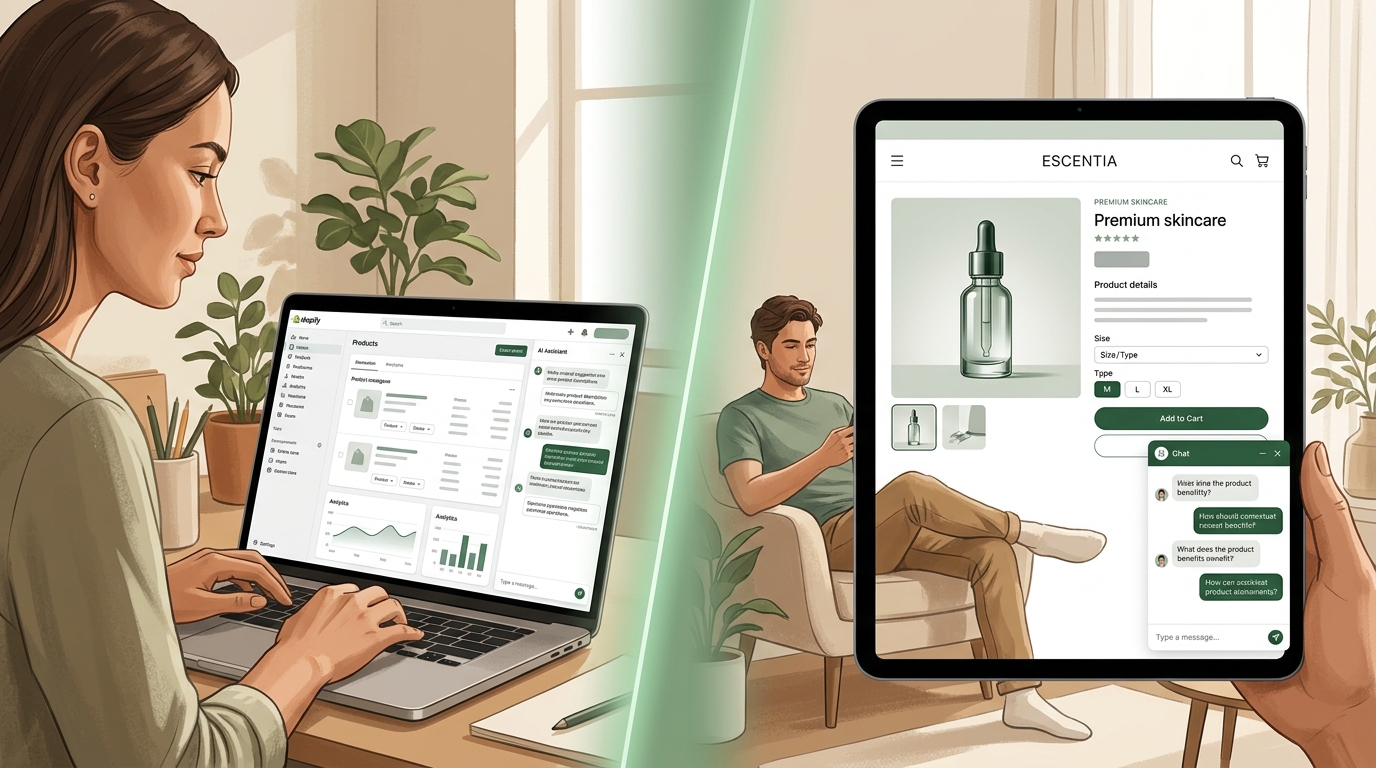
Scrowp can improve structure, speed, merchandising, and conversion mechanics. Those are valuable gains. But if your shoppers routinely ask questions about fit, compatibility, ingredients, bundles, or alternatives, a better theme alone will not solve the last mile of conversion friction.
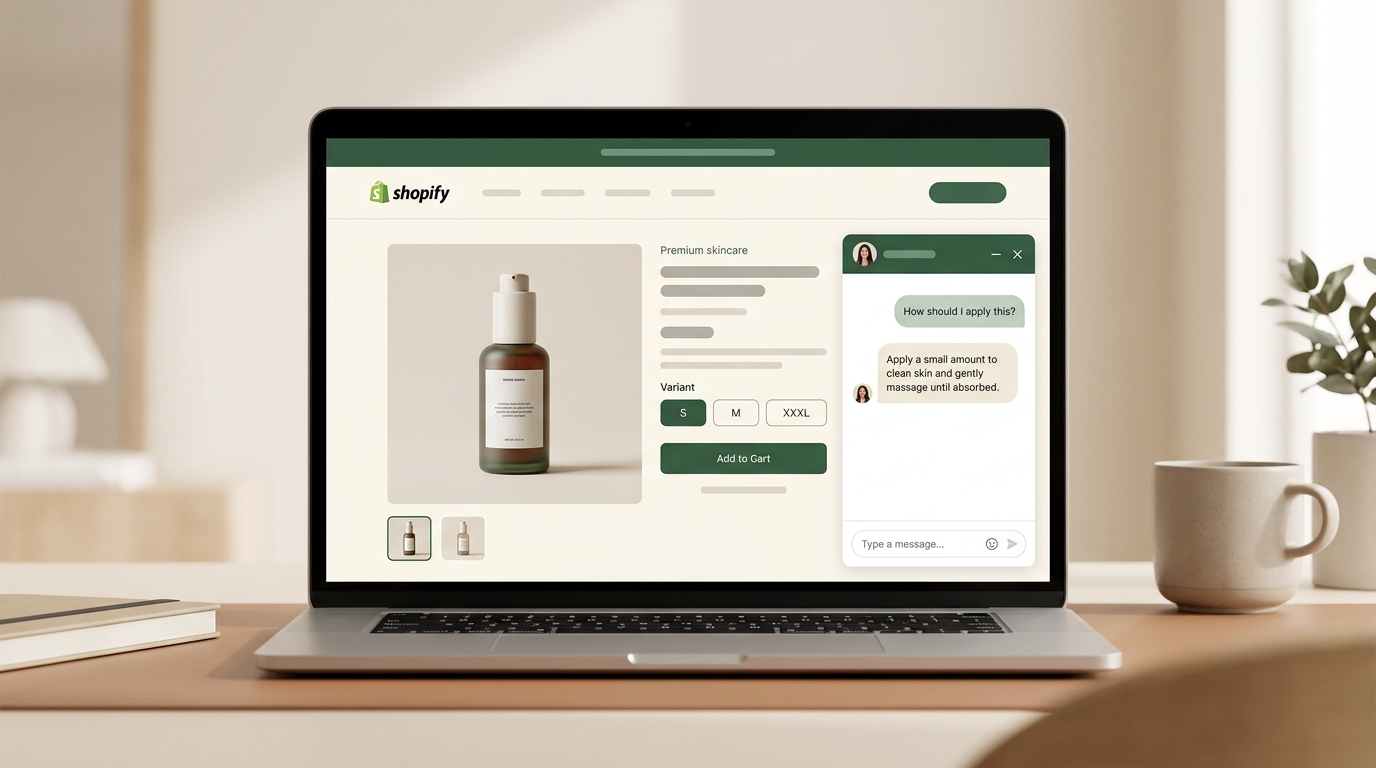
That is where a shopping assistant fits. Themes improve presentation. Assistants improve guidance. Stores with complex products often need both.
Frequently asked questions
Should I migrate from Dawn to Scrowp?
If you are spending $50+/month on apps that Scrowp replaces (sticky cart, currency converter, upsell, free-shipping bar, TOC blog), the migration usually pays back. If your app stack is light, a free theme may still be the right call.
Will switching themes hurt my SEO?
Done right, no. Keep your URL structure, redirect any retired pages, and preserve metadata. Scrowp's better heading control and schema markup typically help SEO once the structure is clean.
Does a fast theme replace the need for an AI shopping assistant?
No. Theme speed solves bounce caused by performance. Shopper-facing AI solves bounce caused by unanswered questions. Different problems, different fixes. For more on that distinction, see our article on unanswered product page questions.
Is the AI in Scrowp the same as an AI shopping assistant?
No. Scrowp's AI generates page sections during store design — it is a merchant-side tool. An AI shopping assistant talks to your shoppers during the buying decision. Read our Sidekick vs AI shopping assistants explainer for the full breakdown of merchant-side vs shopper-side AI.
If you are thinking about the broader stack, pair this review with our comparison of Shopify AI shopping assistants, our guide to growing AOV with AI, and the product page chatbot deep-dive.
Ready to look at Scrowp directly? Explore the Scrowp theme.